Shopify now tracks Core Web Vitals in the Dev dashboard: Why that's only half the battle
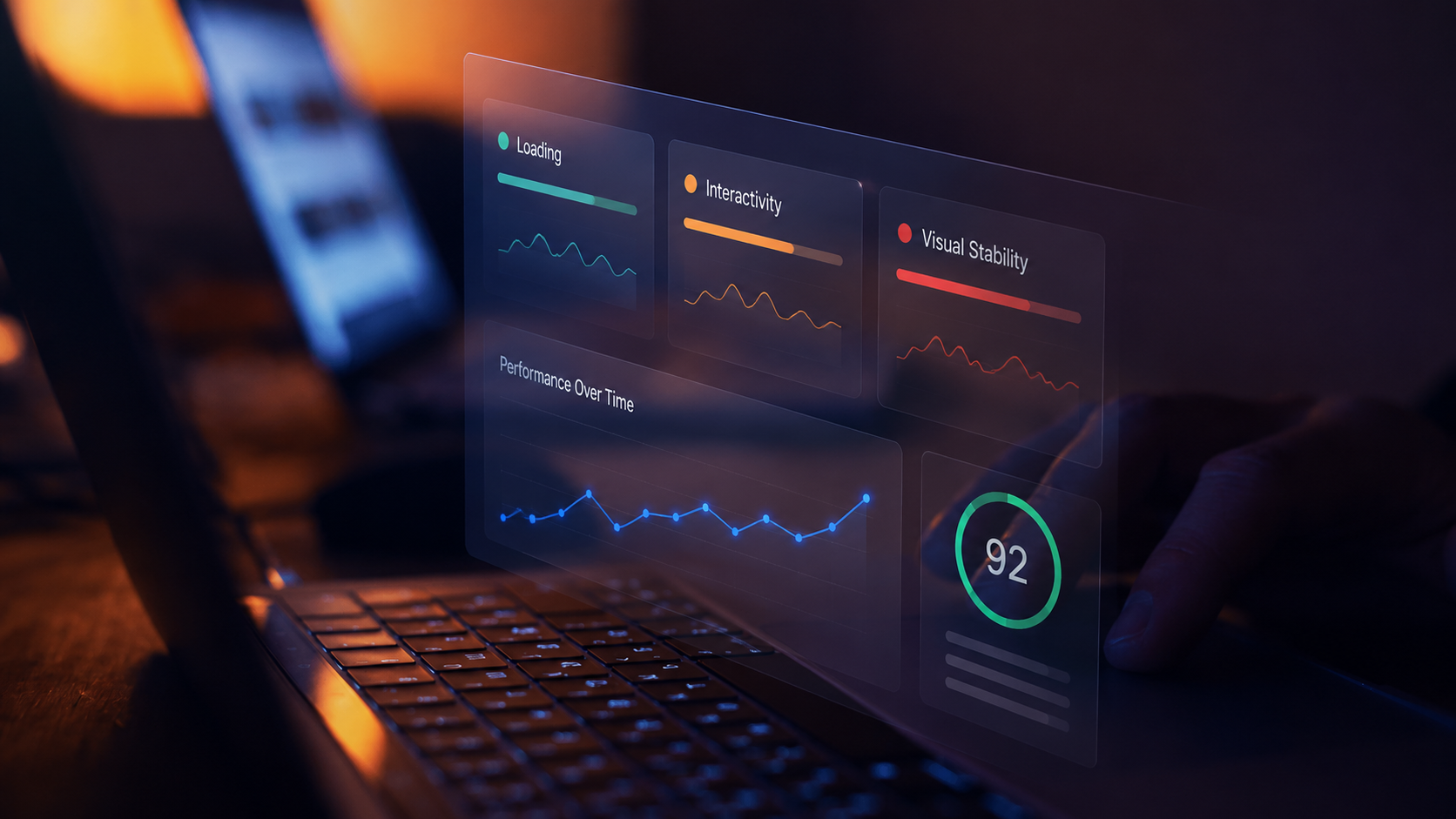
On May 4, 2026, Shopify rolled out a significant update to its developer tooling: Core Web Vitals monitoring is now built directly into the Dev Dashboard. App developers can view daily and 28-day P75 rollups for LCP (Largest Contentful Paint), INP (Interaction to Next Paint), and CLS (Cumulative Layout Shift), the same metrics used to evaluate Built for Shopify compliance, all in one place.
It's a welcome move. But if you're a store owner or eCommerce team relying on Shopify apps to power your storefront, this update raises a question worth sitting with: who's actually watching the metrics that matter on your live site?
What Shopify changed, and why it matters
Previously, Shopify app developers had to toggle between Partner Dashboard tabs to check their app's admin performance scores. The new integration consolidates everything into the Dev Dashboard, including pass/fail thresholds aligned with Google's Core Web Vitals standards. Notably, FID (First Input Delay) has been officially retired and replaced by INP, reflecting Google's own shift in how it measures real-world interactivity.
This matters because Shopify is tying app quality directly to measurable performance. Apps that don't meet these thresholds can lose their Built for Shopify badge, which affects discoverability and trust in the App Store. It's a strong incentive for developers to care about what their code does to your store's speed and responsiveness.
The gap: App performance is different from store performance
Here's the nuance that gets lost in the excitement. Shopify's new dashboard monitors how apps perform within the admin interface. That's important for developer experience, but it's a different conversation from how your customer-facing storefront actually performs for real shoppers, on real devices, in real time.
Consider the data: research from Yottaa's Web Performance Index shows that eCommerce sites reducing their LCP from 2.5 seconds to 1.3 seconds see conversion rates climb from 1.50% to 2.25%, a nearly 50% relative lift. Meanwhile, industry benchmarks consistently show that a one-second delay in load time can cost up to 7% in conversions.
These aren't admin metrics. These are the metrics that define your revenue line. And they're shaped by everything from your theme's CSS strategy (as a recent CSS-Tricks article on fixed-height card fragility reminds us, layout instability often hides until content or user settings change) to third-party scripts, CDN behaviour, and real-world network conditions your synthetic tests will never replicate.
This is particularly relevant for Shopify stores running multiple apps. Each app might individually pass Shopify's admin performance thresholds, but the combined effect on your storefront, the interaction between scripts, the cascading impact on LCP and INP, is something only real user monitoring can reveal.
Beyond speed: Bugs are silently bleeding your revenue
But performance gaps aren't just about load times and Core Web Vitals scores. Even stores that look fast on paper are leaking revenue through a second, less visible layer: undetected bugs.
A 2025 industry benchmark report surveying 200+ eCommerce executives. Even more striking: 90% of bugs go unreported, silently leaking revenue while teams remain unaware, causing 88% of eCommerce brands to lose $100K+/month. Nearly half of customers who encounter bugs share their frustration publicly, damaging brand trust.
These aren't edge cases. They're the daily reality for eCommerce teams operating at scale. The bugs that matter most, broken checkout flows, payment form errors, and intermittent JavaScript failures on specific devices, rarely show up in controlled testing environments or admin dashboards.
Where AuditIQ fills the gap
Shopify's investment in developer-facing performance tooling is a positive signal. It means the ecosystem is taking Core Web Vitals seriously. But there's a critical layer between "my apps pass their admin performance checks" and "my customers are having a fast, error-free experience right now."
AuditIQ sits in that gap. It monitors your live eCommerce site from the perspective of real users, tracking Core Web Vitals, JavaScript errors, broken user flows, and performance degradation as they happen on your production storefront. Not in a lab. Not in an admin panel. On your actual store, as your actual customers experience it.
What this looks like in practice:
- A theme update shifts your CLS score from "good" to "needs improvement" on mobile devices. AuditIQ flags it before your rankings drop.
- A third-party app introduces a JavaScript error that only fires during checkout on Safari. AuditIQ catches the error and ties it to the specific session flow.
- Your LCP degrades gradually as product images are added without proper optimisation. AuditIQ tracks the trend and alerts you before it crosses the threshold.
The bottom line
Shopify is making performance a first-class concern for its developer ecosystem. That's great news. But as an eCommerce team, you need visibility into what's happening on the other side, the customer side.
The platforms are giving developers better tools. The question is: who's giving you the same level of insight into your live store?
If you're running a Shopify store (or any eCommerce platform) and you don't have real-time visibility into how your site performs for actual customers, you're likely among the 88% losing revenue to problems you don't know about.
Try AuditIQ for free, it gives you that visibility.
About the author
Dan Garner writes from AuditIQ's experience monitoring eCommerce performance, SEO, security, and reliability issues across Magento, Shopify, WooCommerce, and Adobe Commerce stores.