Shopify Scripts Sunset: Why June 30 is a monitoring wake-up call for every store
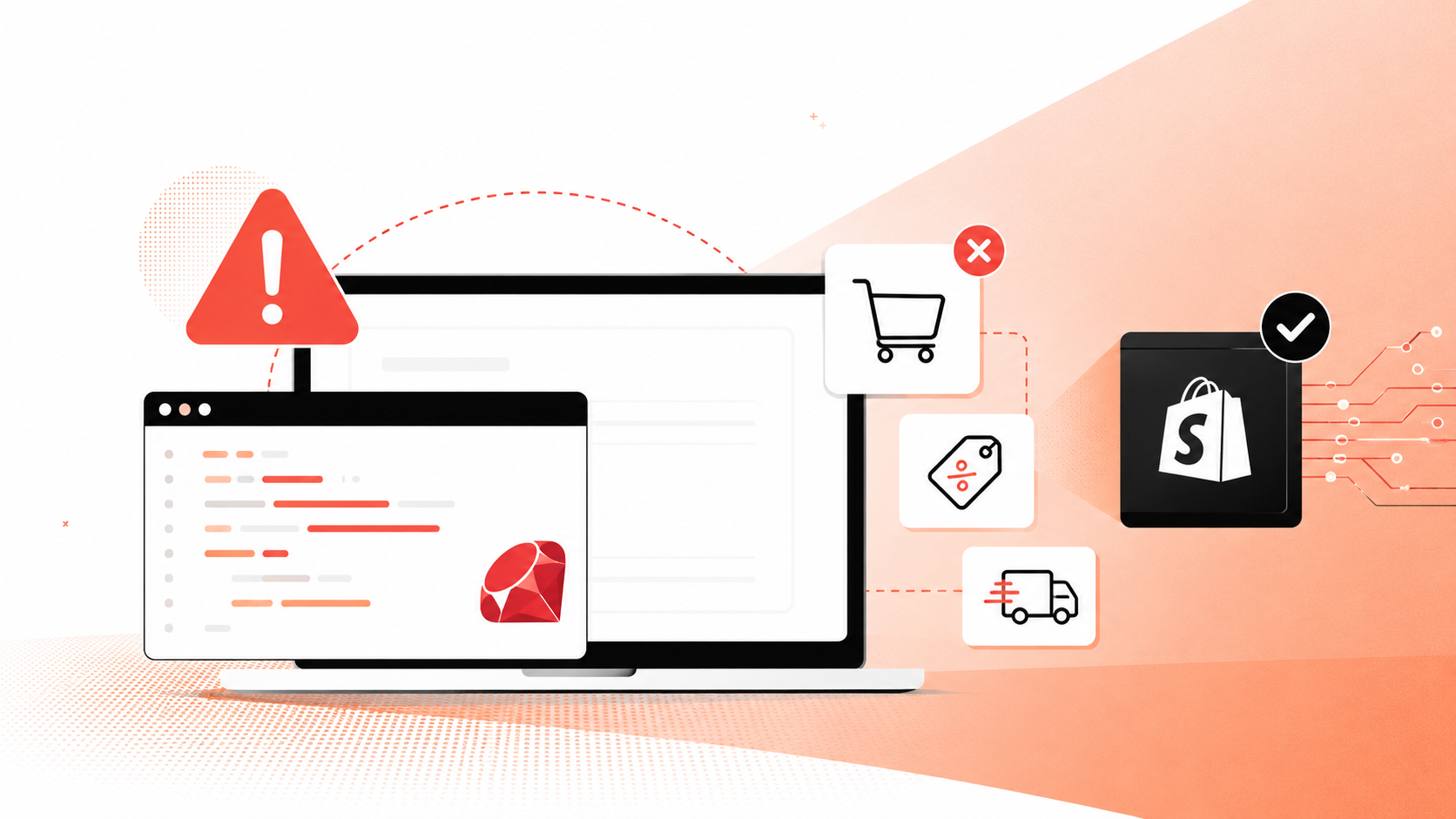
The clock is ticking. On June 30, 2026, Shopify will permanently retire Scripts, the Ruby-based customisation engine that thousands of Shopify Plus merchants have relied on for years to power custom discount logic, shipping rules, and payment gateways at checkout. With fewer than eight weeks remaining, the platform is racing to ease the transition: on April 30, Shopify rolled out support for applying multiple product discounts on a single cart line in version 2026-04 of its GraphQL Admin API, directly addressing one of the biggest gaps that had prevented merchants from migrating off Scripts and onto Shopify Functions.
This is welcome news. But it also raises a question that far too few merchants are asking: what happens to your checkout the day after Scripts go dark?
The hidden risk in every migration
Migrations are inherently risky. Whether you're moving from Scripts to Functions, replatforming entirely, or simply updating a major plugin, the transition introduces a window of vulnerability where things can, and do, break silently.
Consider the mechanics. Scripts executed at checkout, intercepting the cart to apply logic in real time. Functions operate differently, running in a sandboxed WebAssembly environment with different constraints and behaviours. A discount that stacked perfectly under Scripts might behave unexpectedly under Functions. A shipping rule that fired reliably for three years might have an edge case that was never triggered until traffic spikes during a summer sale.
The danger isn't the migration itself; it's the period immediately after, when your team believes everything is working but hasn't yet encountered the scenarios that expose a flaw. A broken discount at checkout doesn't throw a 500 error. It silently overcharges a customer, or worse, undercharges and erodes margin. A payment method that fails to render for a subset of users simply causes those users to leave. No error page, no crash report, just quietly abandoned carts. The scale of that problem is bigger than most merchants realise.
Silent failures cost more than you think
And when checkout breaks silently, shoppers leave, taking your revenue with them. The 2026 Baymard Institute data tells us that 18% of US online shoppers have abandoned an order because the checkout process was too long or complicated. Another 14% abandoned because they couldn't see or calculate the total order cost upfront. These aren't abstract statistics; they're the kinds of failures that a broken or misconfigured discount function can create.
When a discount code fails silently, the customer sees a higher price than expected. They don't file a bug report. They leave. And for every customer who leaves, you've spent the same acquisition cost to bring them to that point. At the scale Shopify operates, merchants just crossed $101 billion in Q1 2026 GMV; even a fractional increase in checkout failure rate translates to enormous revenue loss.
So most merchants respond the way any engineering team would: they test. The problem is, testing alone isn’t enough to catch what actually goes wrong in production.
Why synthetic testing isn't enough
Many teams approach the Scripts-to-Functions migration with a test plan: run a handful of scenarios in a staging environment, verify the numbers match, push to production, and move on. This is prudent but incomplete.
Synthetic tests verify the scenarios you anticipate. They don't catch the ones you don't. They don't account for the customer using an older browser on a slow mobile connection in a locale your team hasn't tested. They don't simulate the third-party payment app that subtly conflicts with a new Function. They don't reflect what happens when your CDN serves a stale checkout script for 47 minutes on a Tuesday afternoon.
This is where real user monitoring becomes essential. You need to see what your actual customers experience in production, in real time, across the full diversity of devices, locations, browsers, and network conditions that define your traffic.
3 layers of monitoring as a migration safety net
The right monitoring approach for a Scripts sunset migration, or any checkout change, involves three layers. Together, they give you the visibility that no staging environment can replicate:
1. Error detection at the checkout boundary. Every JavaScript exception, failed API call, and rendering error that occurs during checkout needs to be captured, correlated with the session, and surfaced immediately. If a Function throws an error for a specific discount combination, you need to know within minutes, not after a week of lost revenue.
2. Conversion flow integrity. You need to track whether users who reach the cart actually complete checkout at the same rate they did before the migration. A drop of even one percentage point should trigger an investigation. This requires baseline data from before the migration and continuous comparison afterwards.
3. Performance regression monitoring. Functions run in a different execution environment than Scripts. If checkout latency increases, even by a few hundred milliseconds, conversion rates will suffer. Research consistently shows that a one-second delay in page load can reduce conversions by up to 7%. At the checkout stage, where purchase intent is highest, the sensitivity is even greater.
These three layers are exactly what AuditIQ was built to deliver.
How AuditIQ keeps your checkout visible
This is precisely the kind of scenario AuditIQ was built for. AuditIQ provides continuous, real-user monitoring of your ecommerce store, with a particular focus on the moments that matter most: product pages, cart interactions, and, critically, checkout.
When you migrate from Scripts to Functions, AuditIQ gives you:
- Immediate visibility into checkout errors that synthetic tests miss, because AuditIQ watches every real session.
- Conversion flow tracking that flags when your add-to-cart-to-purchase rate deviates from historical norms.
- Performance baselines so you can detect if the migration has introduced latency that erodes conversion.
- Alert thresholds tuned to your store's specific patterns, so you're not drowning in noise, but you never miss a genuine problem.
The June 30 deadline is real, and the migration is necessary. But migrating without monitoring is like flying without instruments; you might land safely, but you'll never know how close you came to a problem until it's too late.
Don't wait for the sunset
If you're a Shopify Plus merchant still running Scripts, the migration to Functions should be your top priority. But right alongside that migration plan, you should be putting monitoring in place that will protect your revenue through the transition and beyond.
Learn how AuditIQ can protect your checkout during the Shopify Scripts migration, and every day after.
About the author
Dan Garner writes from AuditIQ's experience monitoring eCommerce performance, SEO, security, and reliability issues across Magento, Shopify, WooCommerce, and Adobe Commerce stores.